
ControlFSWindows software
Your Windows files from the couch, controller in hand.
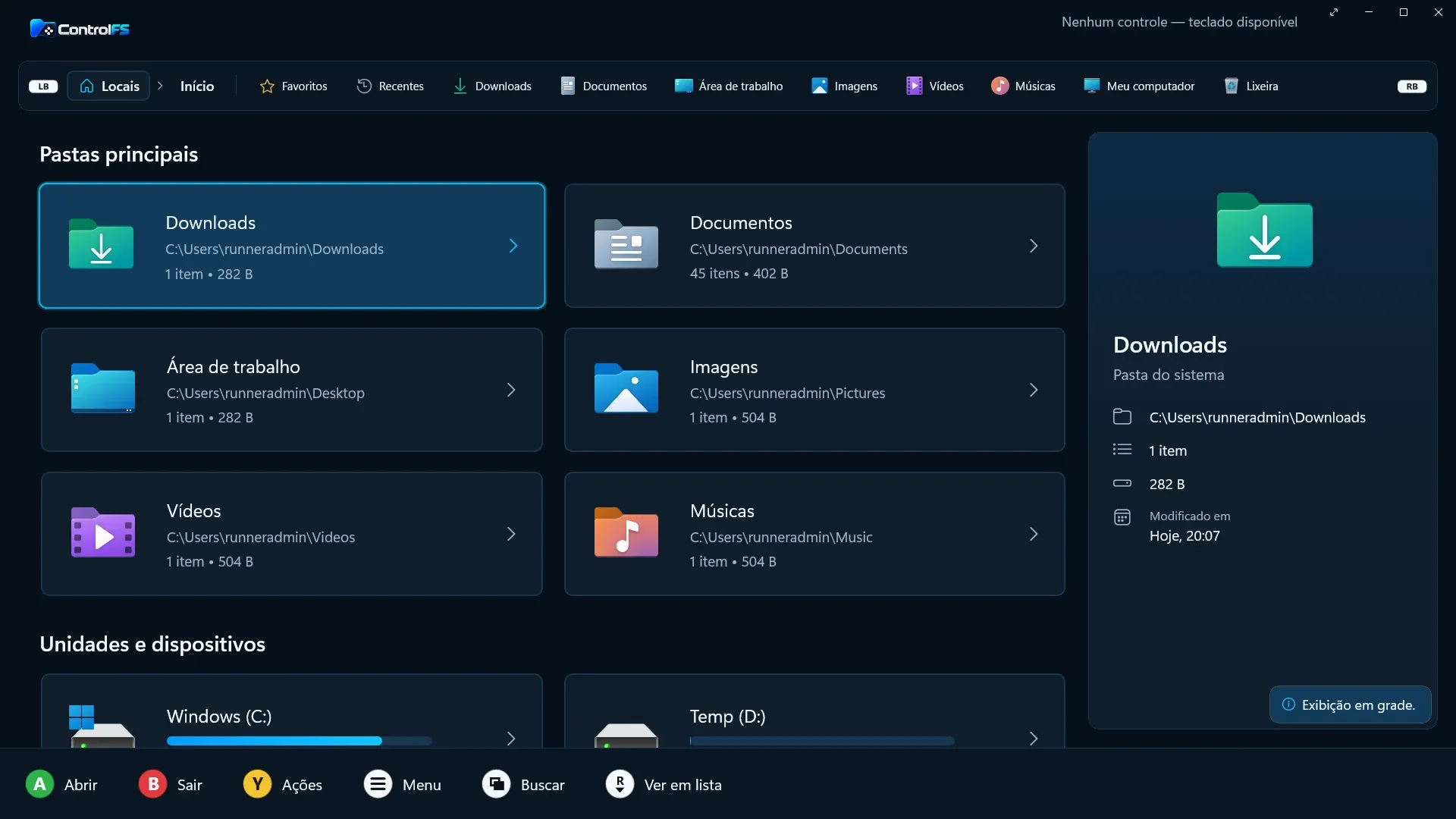
ControlFS is a file manager for Windows that browses, organizes, previews and extracts files using only the D-pad and buttons of an Xbox, PlayStation or Nintendo controller. The code is open, in C# with .NET 10 and WinUI 3, and the repository publishes a benchmark against File Explorer and Files, including the points where it loses.
Open source
Project details
- Client
- Next’s own product, open source
- Sector
- Windows software
- Platforms
- Desktop / Open source
- Period
- 2026
- Status
- Open source
- What we did
- Native Windows app
- Full controller navigation
- Archive extraction and creation
- Phone as a controller via QR code
- Verified automatic updates
- Public benchmark with method
- Stack
- C# / .NET 10 / WinUI 3 / SDL3
Numbers
- less private memory than Files, at 59 MB against 109 MB
- 45%
- benchmark on GitHub Actions, median of 3 runs
- idle working set, measured after the cleanup only ControlFS performs
- 18 MB
- benchmark on GitHub Actions, median of 3 runs
- more private memory than Explorer, where ControlFS loses
- 2.5 MB
- benchmark on GitHub Actions, median of 3 runs
- of one CPU core at idle, against close to 0% for Explorer
- 0.31%
- benchmark on GitHub Actions, median of 3 runs
The starting point
On a PC connected to a TV or a Windows handheld, the controller is already in your hand. To open a folder, extract a downloaded ZIP or watch a video, you go back to the mouse and keyboard, because File Explorer was designed for them.
ControlFS was made for this use. It runs only on the PC, with no login and no telemetry, and the code is published under the AGPL-3.0-only license.
Built for the controller
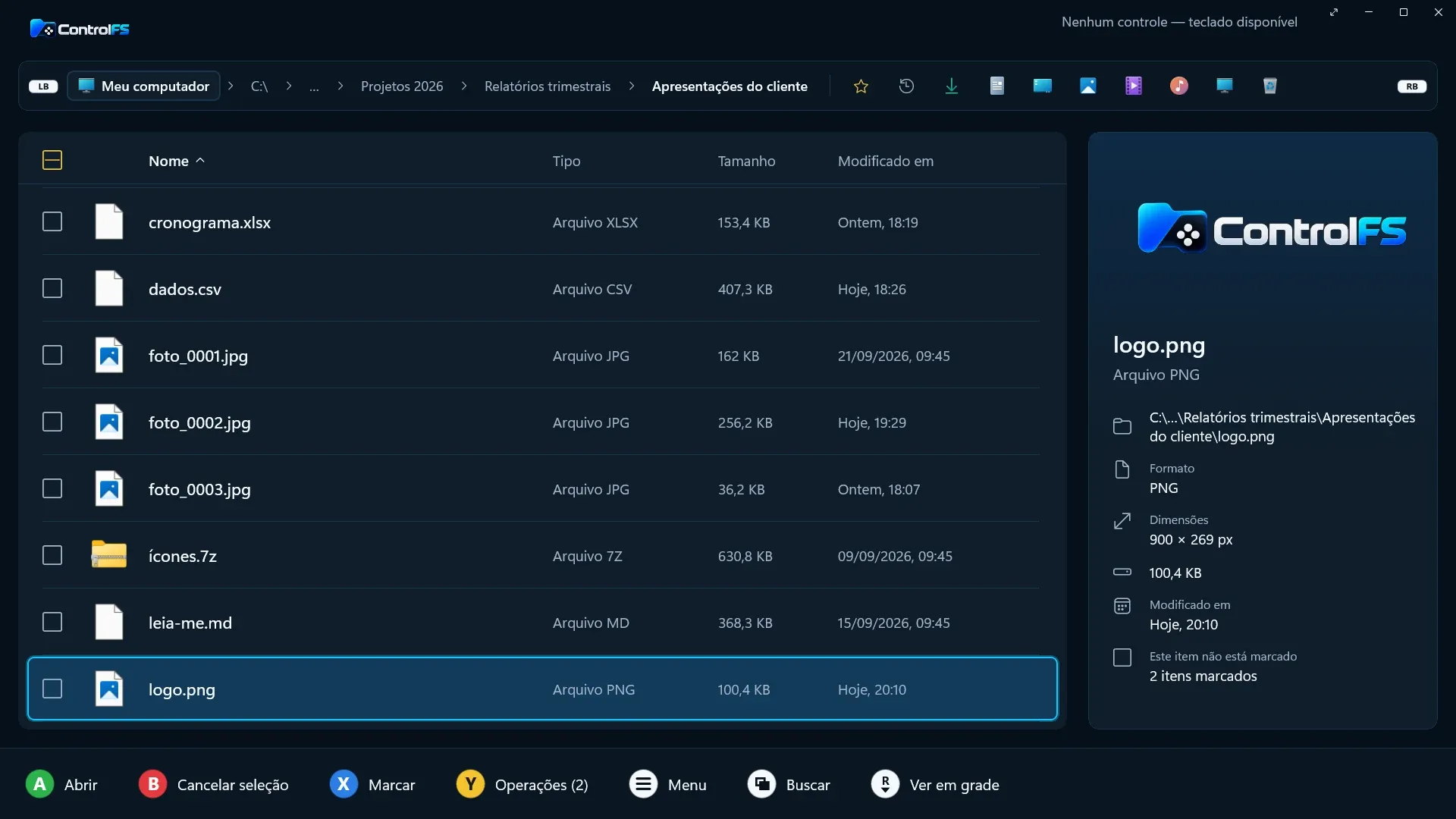
Everything works from the D-pad. Buttons follow physical position, so confirm and back stay in the same place on Xbox, PlayStation and Nintendo controllers, and the bottom bar shows the icons of the connected controller next to each action. For typing, there is a built-in on-screen keyboard with accents and symbols.
You can also use a phone as a controller. The PC shows a QR code, the phone connects over the local network with nothing to install, and the connection is encrypted with AES-256-GCM, with code pairing and an explicit authorization on the PC.
Around that are the functions of a complete file manager:
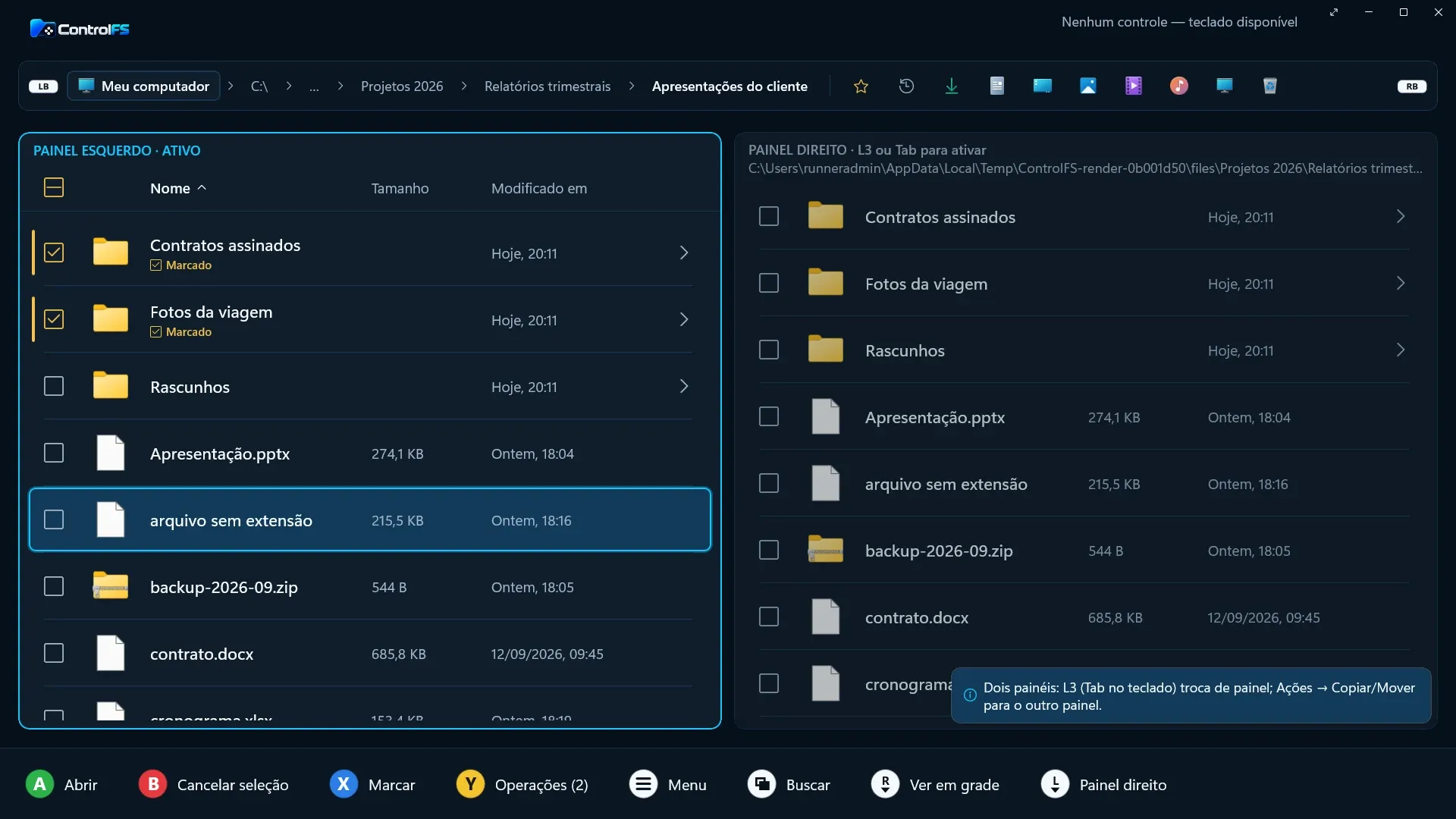
- tabs, two panes and search;
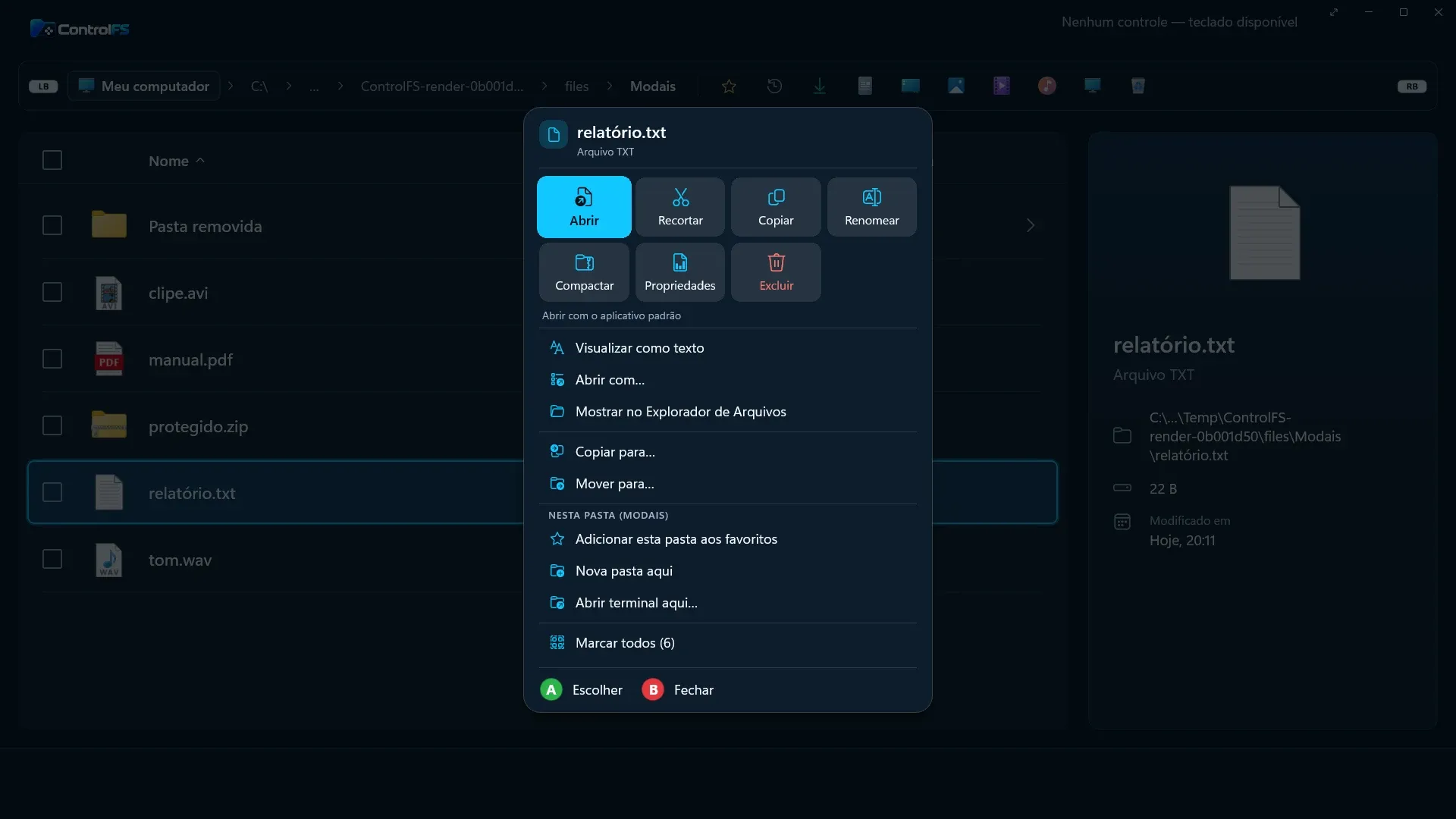
- copy, move and rename with undo and redo, operations that pause and resume, and a recycle bin;
- extraction of ZIP (including ZIP64 and AES), 7z, RAR4, RAR5, TAR and GZ, with split volumes and integrity testing;
- creation of ZIP, TAR.GZ and 7z;
- preview of images, text, PDF, audio and video with subtitles;
- mounting of ISO, IMG, VHD and VHDX;
- Windows Narrator support, and light and dark themes.
Technical decisions
The app is native, in C# with .NET 10 and WinUI 3, with no Electron, no embedded browser and no web view. The choice comes from the use case: ControlFS has to fit alongside a running game. When minimized or behind the game, it lowers its own priority, enters Windows efficiency mode and returns memory to the system. In that state, it sits at about 12 MB of working set.
Controller input goes through SDL3. Until September 2026, it ran every 8 ms even with no controller connected, which accounted for most of the 1.4% to 1.7% CPU the app used at idle. Today, with no controller, the app only checks every 250 ms whether one has arrived, and the next measurement came in between 0.47% and 0.62% of one core.
Extraction follows fixed rules. Nothing is written outside the destination folder, links are blocked, name collisions are refused, there are size limits, files pass through a temporary folder and the CRC is checked. Automatic updates only install a package whose manifest is signed with the project’s key and whose SHA-256 and size match.
The benchmark, including where it loses
The README publishes the measurements with the method and links to the CI runs. All three apps open the same folder with 5,000 small files on a windows-latest GitHub Actions runner. With the window open, the measurement lasts 10 seconds and adds up all the processes of each app. Each value is the median of 3 runs, made on September 28, 2026. CPU is a percentage of one core.
| Measure | ControlFS | Explorer | Files |
|---|---|---|---|
| Private memory (MB) | 59 | 56.5 | 109 |
| Working set (MB) | 18 | 144 | 264 |
| Idle CPU (%) | 0.31 | ~0 | 0.47 |
In private memory, ControlFS uses about 45% less than Files. An Explorer window uses about 2.5 MB less private memory and stays close to 0% CPU at idle, against about 0.3% for ControlFS. Opening takes close to a second, because Windows loads .NET and WinUI before the app’s first line, and Explorer avoids that cost because it is already loaded.
The 18 MB working set is measured after a cleanup ControlFS runs once to return to Windows what was left over from opening. Explorer and Files do not go through this cleanup, so private memory is the fair comparison. The runner has no GPU or connected controller, and the README warns that the numbers change on a real PC.
The repository’s performance document also keeps what was discarded, such as ReadyToRun, which made the portable executable 21 MB larger without opening the app any faster.
Where it stands today
ControlFS has been validated on real hardware with physical controllers, and version 1.0 is in preparation. The current version is 0.17.0-alpha.1, for 64-bit Windows 11, with a self-updating installer and a portable version in a single executable. The executables do not have code signing yet, because the application to the SignPath Foundation is under review, and SmartScreen may warn on first run.
Since the first alpha version, published in September 2026, the changelog records 21 versions and exceeds 80 KB, with what changed and the known limitations of each.